Features
Everything here is in the app today. Things we have not built are not on this page.
Layout
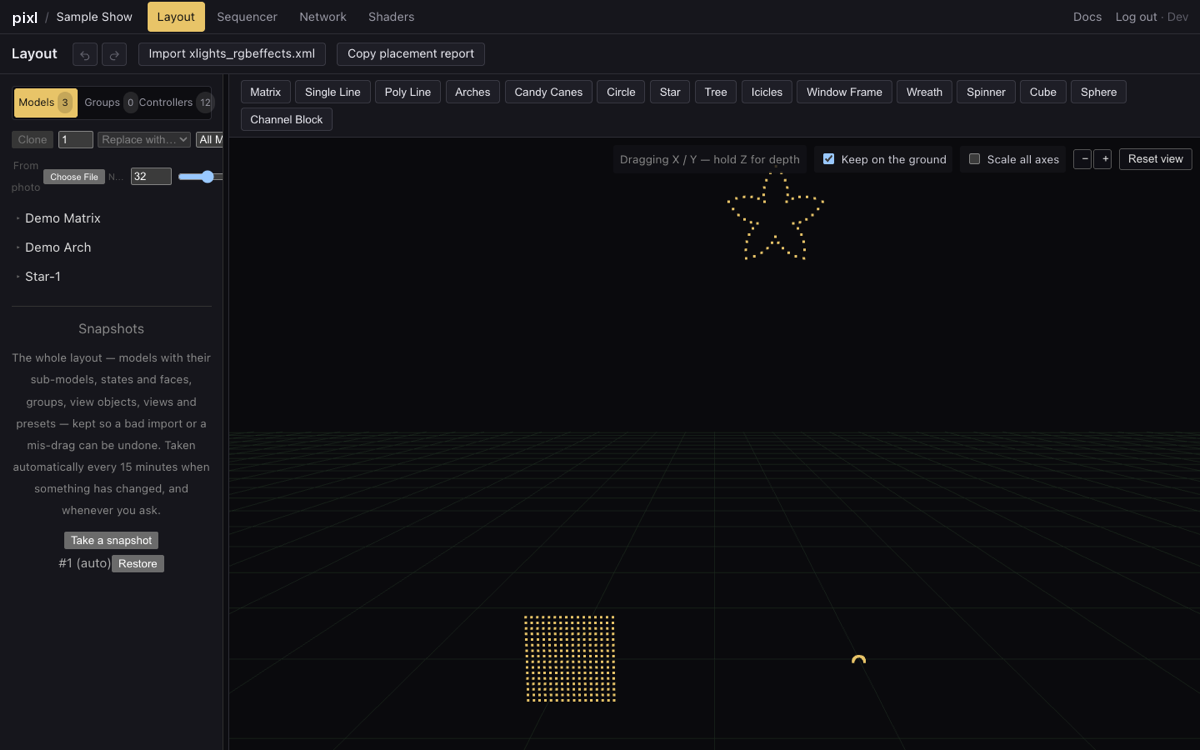
- A 3D scene with twelve model types: matrices, arches, trees, stars, candy canes, icicles, lines, custom models and more.
- Drag to place, corner grips to resize (the same size at every zoom, and damped so a small drag is a small change), rotate on any axis.
- Undo and redo. Right-click a model for Align with ground, Reset rotation, Rename and Delete.
- Import your xLights
xlights_rgbeffects.xmland the models come across, with a report of anything that did not. - Model groups, sub-models and strands, and a model palette for adding new props.
Sequencer
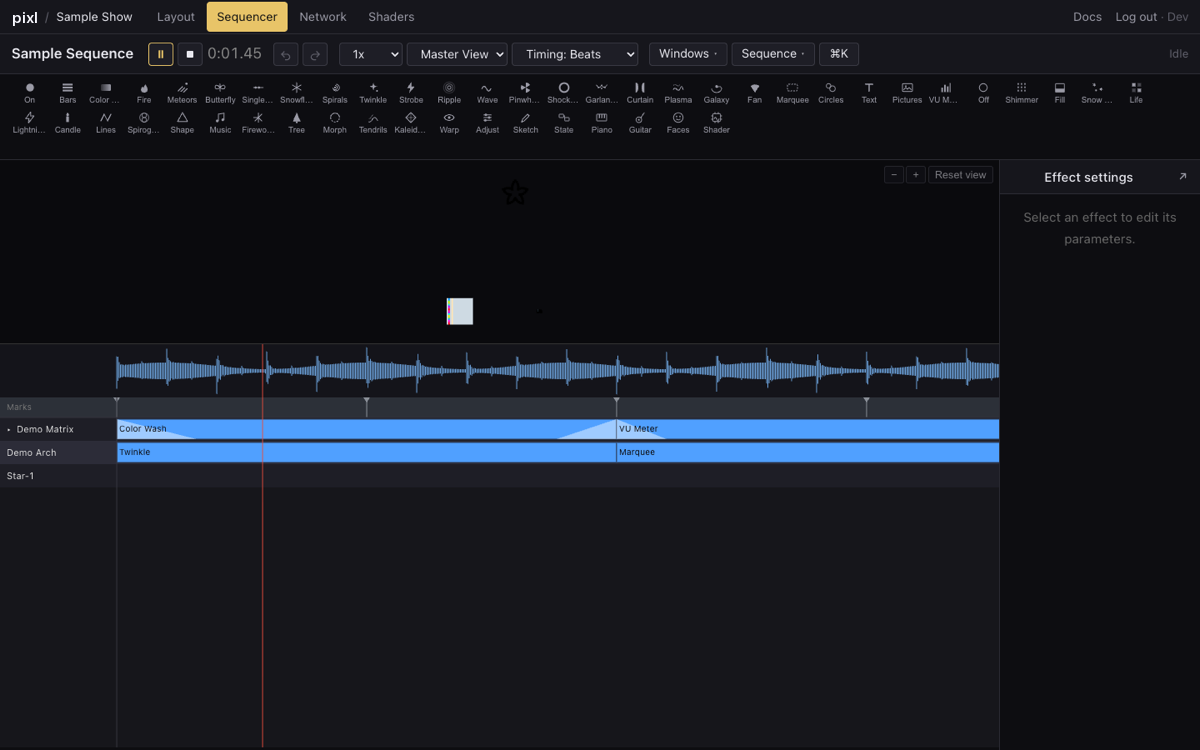
- An effect palette with icons; drag an effect onto a row, stretch it, move it, copy it, with a preview that renders as you edit.
- Value curves, transitions, blend modes, layers, and audio-reactive effects driven by the loaded track.
- Timing tracks: fixed interval, beat detection from the audio, MIDI notes, Papagayo lipsync files, and automatic lyric timing.
- Views, effect presets, a command palette on Cmd+K, and panels you can drag, pin, resize or pop out into their own browser window.
- Import
.xsqsequences from xLights; export.fseqfor FPP and other players, and video of a model.
Automatic lyric timing
Paste the lyrics, one line per phrase, and press Time the lyrics. The song is listened to by a speech-to-text model that reports where every word is sung, each word is looked up in the CMU Pronouncing Dictionary, and the result is three timing tracks: lyrics, words and phonemes. The phonemes track is what a singing-face effect reads. Like the standalone tools that do this for xLights, it gets most of the way there; play it through and nudge the marks that are off. Download .xtiming saves the tracks for desktop xLights.
Shaders
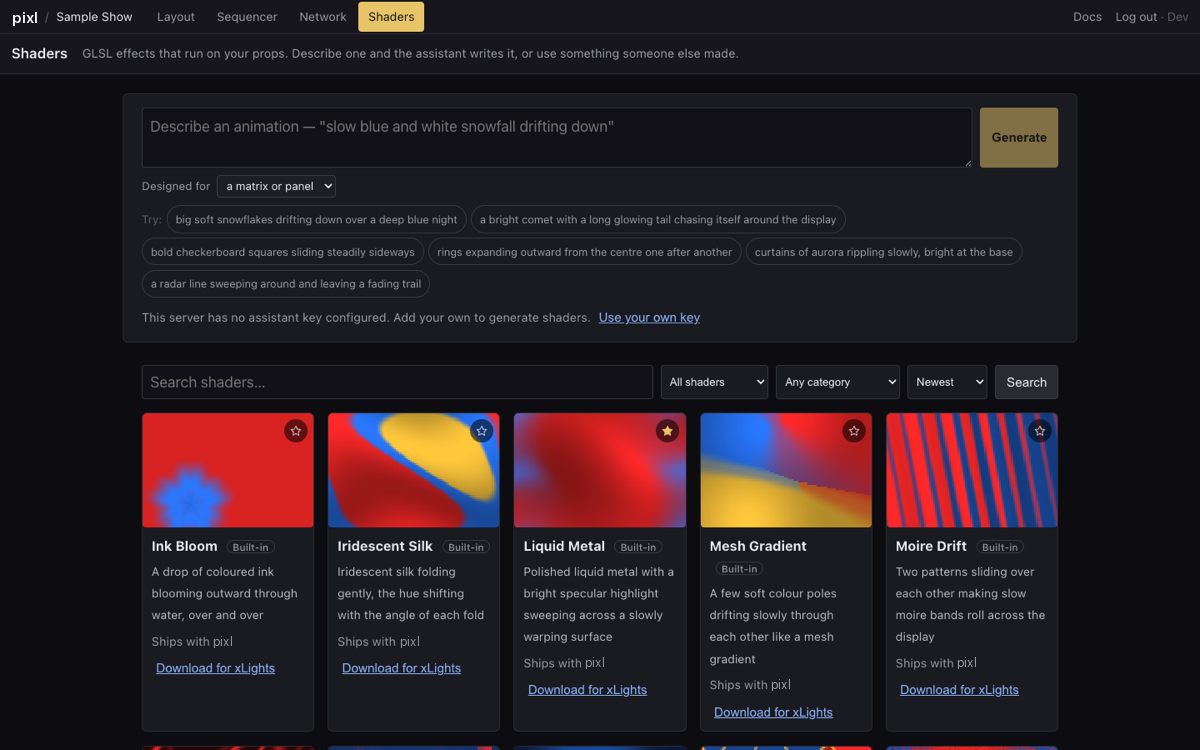
- A gallery of fifty built-in shaders written for real matrices and checked against xLights' shader dialect, each card a live preview.
- An assistant that writes a new shader from a sentence, compiles it, repairs it if the compiler complains, and shows it running before you keep it. A hundred free generations a month on the hosted app; bring your own key for more.
- Favourites, so the ones you use are one click away, and Download for xLights on every card for the desktop app's Shader effect.
Controllers and output
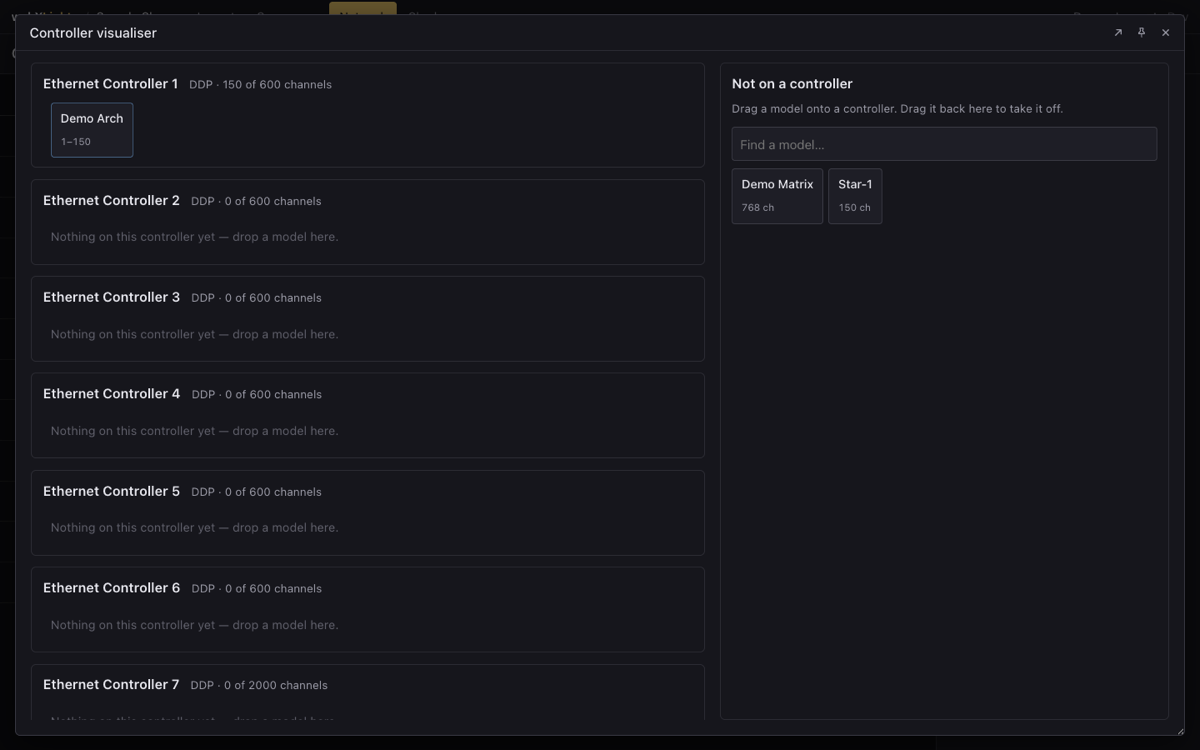
- Ethernet (DDP, E1.31), USB and null controllers, with start channels and channel counts.
- A visualiser: controllers down one side, unplaced models down the other, drag to chain them, with a search box for shows with a hundred props.
- FPP Connect for uploading sequences and audio to a Falcon Player.
Files
- Autosave. There is no save button to forget.
- Snapshots on a schedule and on demand, with a history you can restore from, and a retention setting like xLights' backup purge.
- Projects shared with other people, and export of a whole project as one file.